
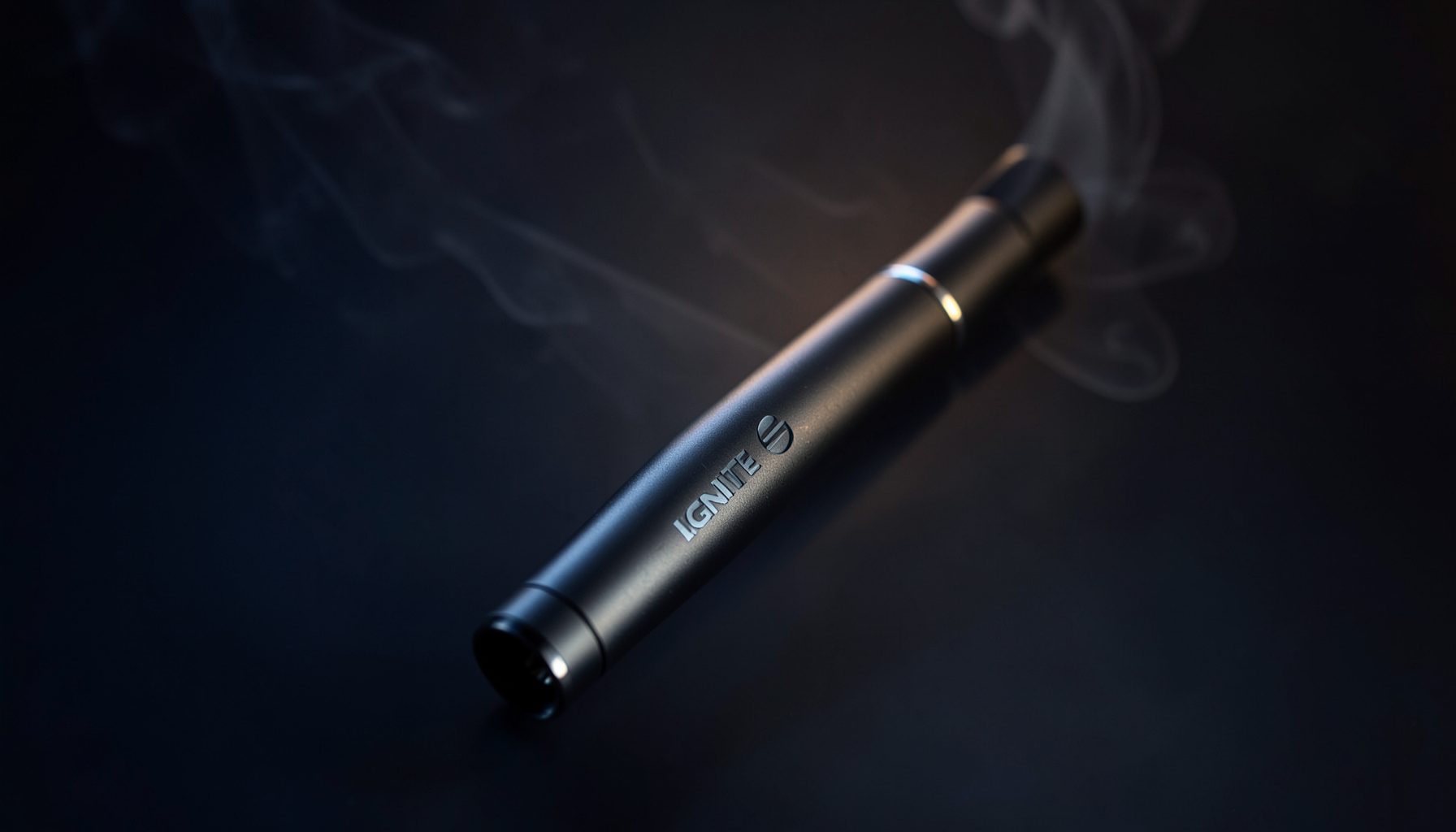
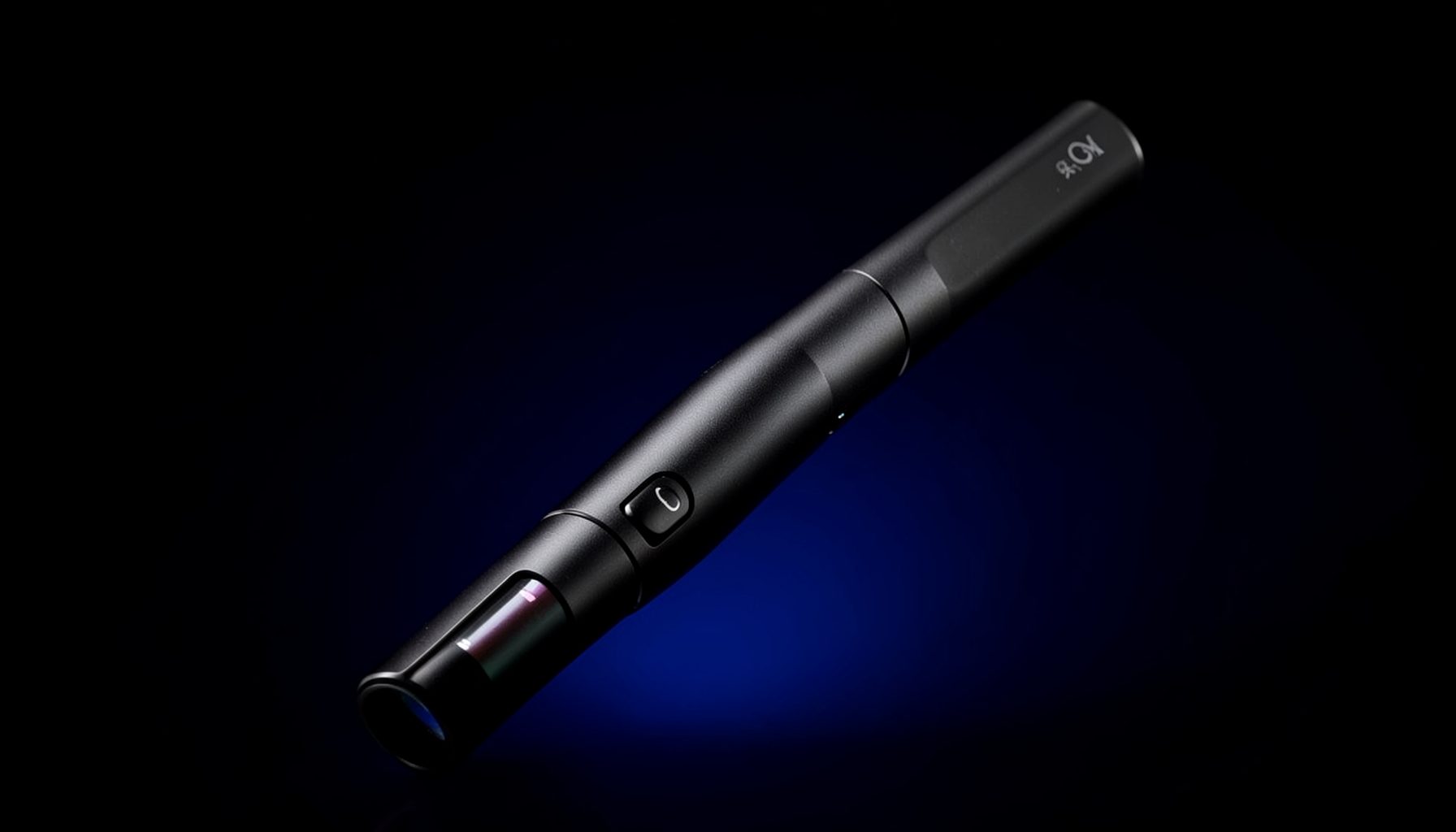
How to Clean the Outer Shell of Your IGNITE Device
Your IGNITE device travels through busy routines: a morning commute in Sydney, a day at work in Melbourne, or a weekend near the coast. Its outer shell can collect fingerprints, pocket lint, dust, food residue and traces of e-liquid. Regular surface care keeps the device looking presentable and makes it easier to spot damage.
The V15, V25 and V60 lines may differ in shape, finish and airflow design, so the safest cleaning method is a gentle one. The goal is to wipe the exterior without allowing moisture into the mouthpiece, charging area, airflow openings or internal electronics.
Cleaning is especially useful in Australia’s varied climate. Humidity in Brisbane, dry dust around Perth and fine sand at Bondi or the Gold Coast can settle around seams and openings. A few minutes of careful maintenance can prevent grime from building up on the casing.
Before handling any IGNITE nicotine product, follow the instructions supplied with the device and comply with Australian age, purchase and usage requirements. Never clean a device while it is connected to power, and do not attempt to refill, modify or dismantle a disposable unit.
| Exterior issue | Recommended approach | Avoid |
|---|---|---|
| Fingerprints or light dust | Soft, dry microfibre cloth | Paper towels that may shed fibres |
| Sticky residue | Slightly damp cloth, followed by a dry wipe | Spraying liquid directly onto the device |
| Sand or lint near seams | Gentle brushing with a dry, soft brush | Pins, blades or compressed air at close range |
| Marks around the mouthpiece | Dry cotton swab around the outside only | Pouring water or cleaner into the opening |
| Heat, swelling or shell damage | Stop using and isolate safely | Charging or carrying the damaged device |
Why Exterior Cleaning Matters
The casing is the part of an IGNITE device that receives the most contact. Hands transfer natural oils, sunscreen, hand cream and food residue to the shell, while pockets and bags add fibres and dust. A clean surface feels better to hold and helps preserve the appearance of a premium device.
A wipe-down also provides a useful safety check. While cleaning, look for cracks, separation at the seams, unusual softness, liquid leakage, swelling or discolouration. These signs matter more than cosmetic marks and should not be ignored.
If the device has been exposed to rain, beach moisture or a spill, do not try to dry it by charging it. Move it away from heat and power, wipe the exterior gently, and stop using it if liquid may have entered the housing.
Gather Safe Cleaning Materials
You need very little equipment: a clean microfibre cloth, a dry cotton swab and, if necessary, a soft-bristled brush. A fresh lens cloth or glasses-cleaning cloth works well because it is gentle and unlikely to scratch a glossy or printed finish.
For stubborn marks, dampen one corner of the cloth with a small amount of clean water. The cloth should feel barely moist rather than wet. Never spray water, alcohol, disinfectant or household cleaner directly onto the device.
Keep the cleaning materials separate from products used for benches or bathrooms. Strong solvents can fade printed graphics, soften coatings or affect plastic. Those chemicals can also leave residues on surfaces handled close to the mouth.
Prepare the Device Before Wiping
Disconnect the IGNITE device from any charging cable and place it on a stable, dry surface. If the model is disposable and has no user-serviceable parts, do not remove panels, mouthpieces or protective sections. Exterior maintenance should remain entirely external.
Wash and dry your hands before starting. Hold the device away from your face and inspect it in good light. If there is visible e-liquid, blot it with a disposable tissue first, then use a clean damp cloth for the remaining film.
For general device care advice, use the same principle of minimal moisture and gentle handling. The less liquid and pressure involved, the lower the chance of pushing residue into a seam or opening.
Use A Gentle Wiping Method
Start at the top and work down the shell with straight, light strokes. Turn the cloth to a clean section as it picks up oil or dust. Circular rubbing is acceptable for a small mark, but heavy pressure can spread sticky residue across the finish.
Use a dry cotton swab around the outside edge of the mouthpiece, button area and casing joins. Do not insert the swab into the mouthpiece or airflow path. If lint is caught in a seam, lift it away with the soft brush rather than scraping it with a sharp object.
After wiping, use the dry side of the microfibre cloth to remove remaining moisture. Leave the device undisturbed for several minutes before placing it in a pocket, case or bag. It should feel completely dry to the touch.
Keep Openings And Controls Dry
Charging ports, airflow holes and buttons require special care. Moisture near these areas can interfere with operation or create a safety risk when the device is later connected to power. Clean around them, never through them.
If dust is visible around a port, hold the device with the opening facing downward and brush lightly around the edge. Do not poke inside with a needle, toothpick or metal tool. Avoid blowing forcefully into the port, since this may push particles further into the housing.
For models with a display or control button, wipe the surrounding panel rather than pressing repeatedly during cleaning. If a button sticks, the casing becomes unusually hot or the device activates unexpectedly, stop using it and seek guidance from the retailer or dispose of it according to local requirements.
Deal With Sand, Heat And Outdoor Exposure
Australian outdoor conditions can be hard on small electronics. Sand from Manly, St Kilda or Surfers Paradise may work into seams, while a device left in a parked car can experience excessive heat. Sunscreen and salt spray can also leave a film on the outer shell.
After a beach visit, brush away dry sand before using a cloth. Rubbing immediately can drag abrasive grains across the finish. If salt residue is present, use a barely damp cloth, then dry the surface thoroughly.
Do not leave an IGNITE device on a dashboard, in direct summer sun or near a heater. Heat can affect the battery and exterior materials. Carry it in a clean, dry pocket or protective case, away from keys, coins and loose sand.
Build A Simple Cleaning Routine
A quick wipe every few days is enough for many users. Clean the shell whenever it feels tacky, after outdoor activities, or before moving the device between a work bag and a pocket. People commuting on Sydney trains or cycling through Adelaide may find that a short evening wipe prevents dust from accumulating.
For a deeper exterior clean, remove the device from its case, inspect every side and wipe the casing with a barely damp microfibre cloth. Wash or replace the case regularly because a dirty case can transfer lint and oil straight back onto a clean device.
Use this checklist as a practical routine:
- Disconnect the device from charging before handling it.
- Wash and dry your hands before cleaning the shell.
- Use a soft, dry cloth for routine dust and fingerprints.
- Apply only minimal moisture to stubborn exterior residue.
- Keep liquid away from the mouthpiece, airflow holes and charging port.
- Inspect for cracks, swelling, leakage, heat or unusual operation.
- Stop using damaged devices and follow Australian disposal guidance.
Know When Cleaning Is Not Enough
Surface marks are usually cosmetic, but damage that changes the shape or function of the device requires caution. A cracked shell, exposed internal material, leaking liquid or battery swelling is a reason to stop using the product rather than attempt a repair.
Do not open an IGNITE disposable device to clean inside it. Disassembly can expose the battery and electrical components, and it may create a fire or leakage hazard. Retailer support can help clarify product concerns, while damaged lithium-battery devices should be kept away from heat and disposed of through an appropriate Australian battery or e-waste pathway.
A clean outer shell should be dry, intact and comfortable to handle. Careful wiping, sensible storage and prompt attention to physical damage help maintain the device’s condition without interfering with its internal components.